HolonTechnology
Pricing Start 15-day trial
For Canvas account admins

Get every course ready for the term — from one console.

Holon Admin turns term prep into two processes instead of a dozen tools: set up once per term, then launch the term stage by stage. Trackers fill themselves in from what your tools actually did, and every bulk run is recorded and reversible.

One price covers your whole admin team · from $2,900/yr by enrollment · no card to try it
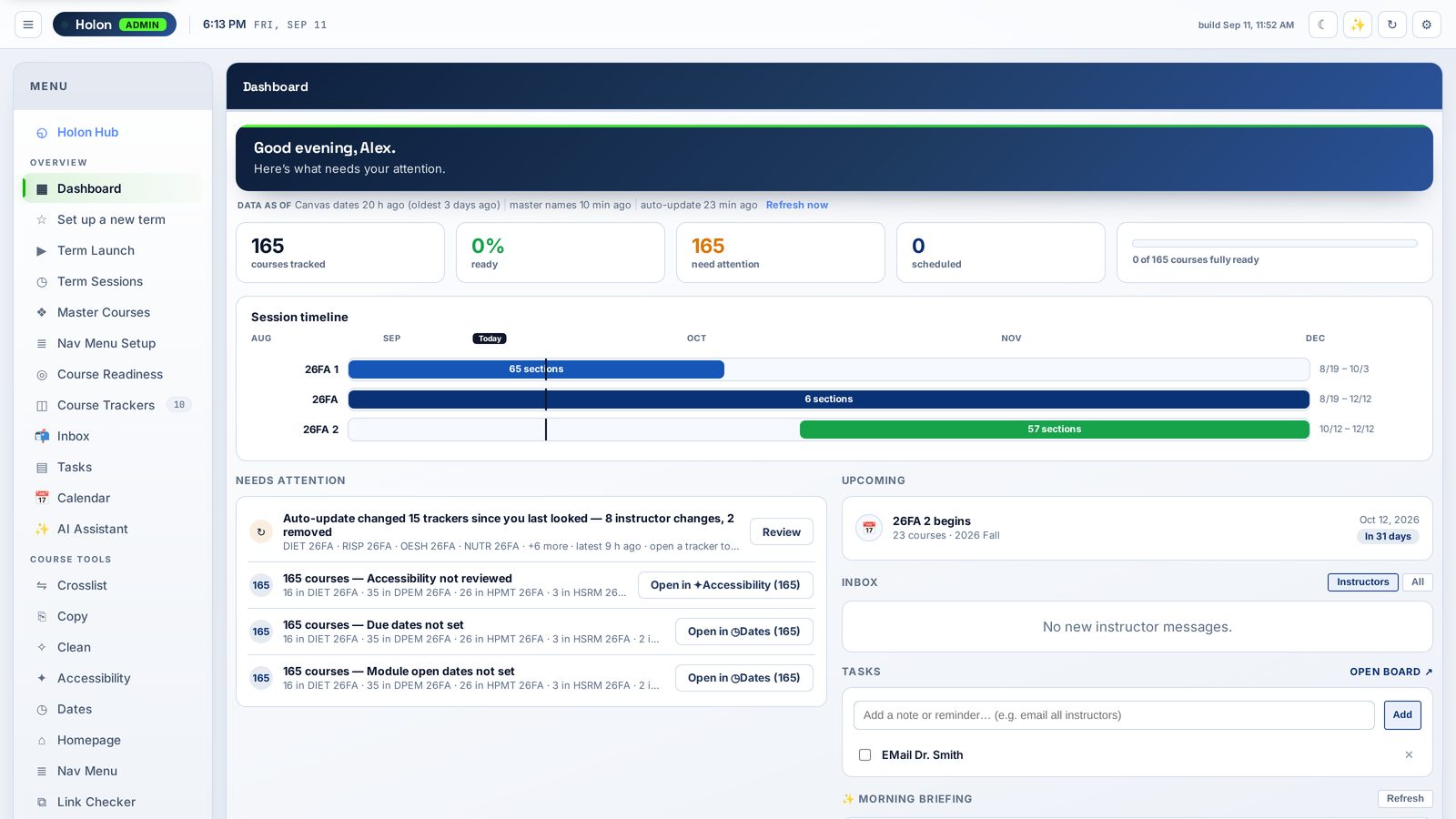
Holon Admin dashboard showing what needs attention this term, by course and by person

Two processes, in order

Most term prep lives in spreadsheets and memory. Holon Admin gives it a fixed shape, so nothing depends on who remembers what.

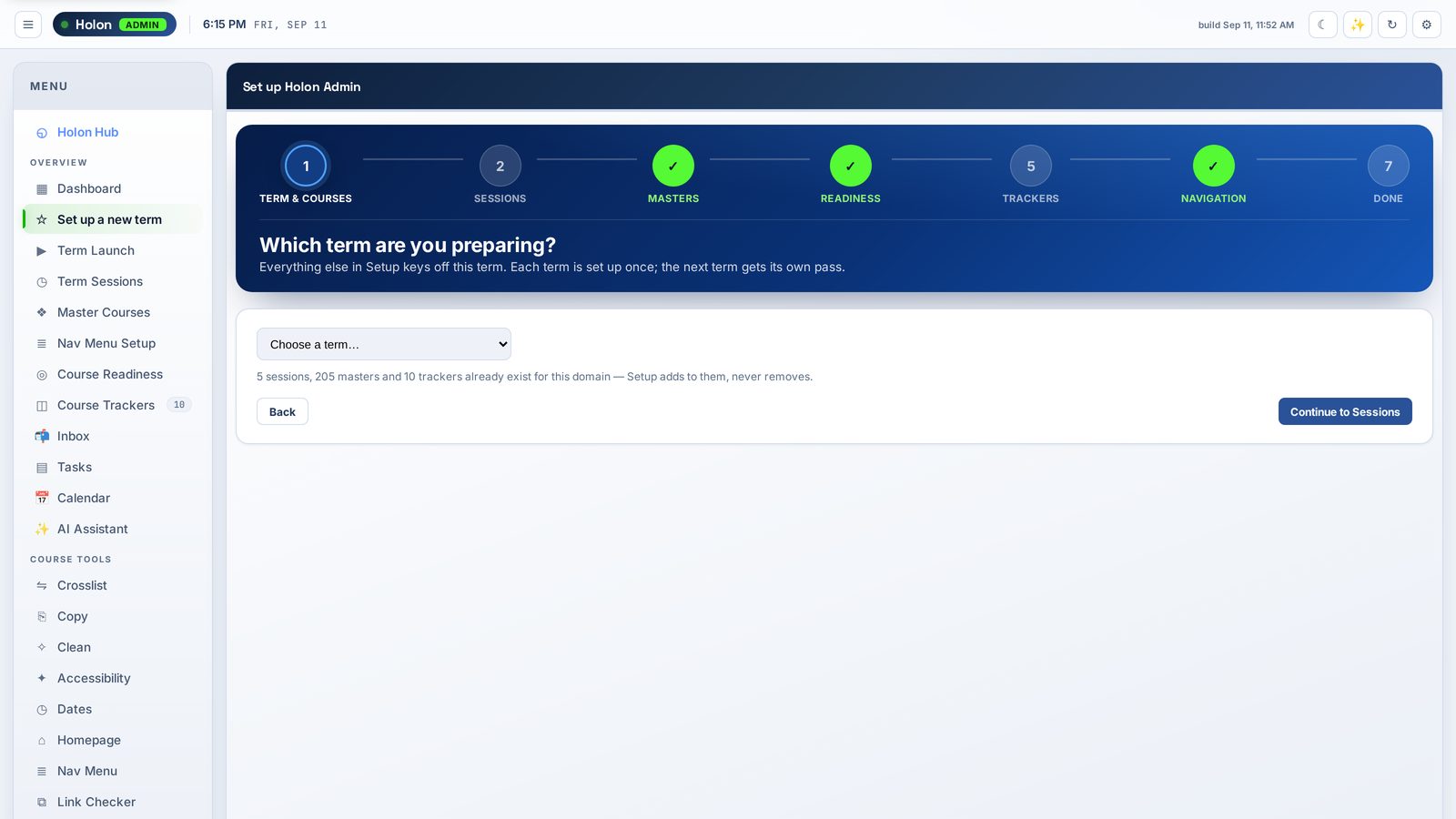
Setup wizard with seven steps
Once per term

Setup — seven steps, one pass

Term and courses, sessions, master courses, what “ready” means, trackers, navigation. Setup defines your standards and never pushes anything into a course. Leave partway and it remembers where you were.

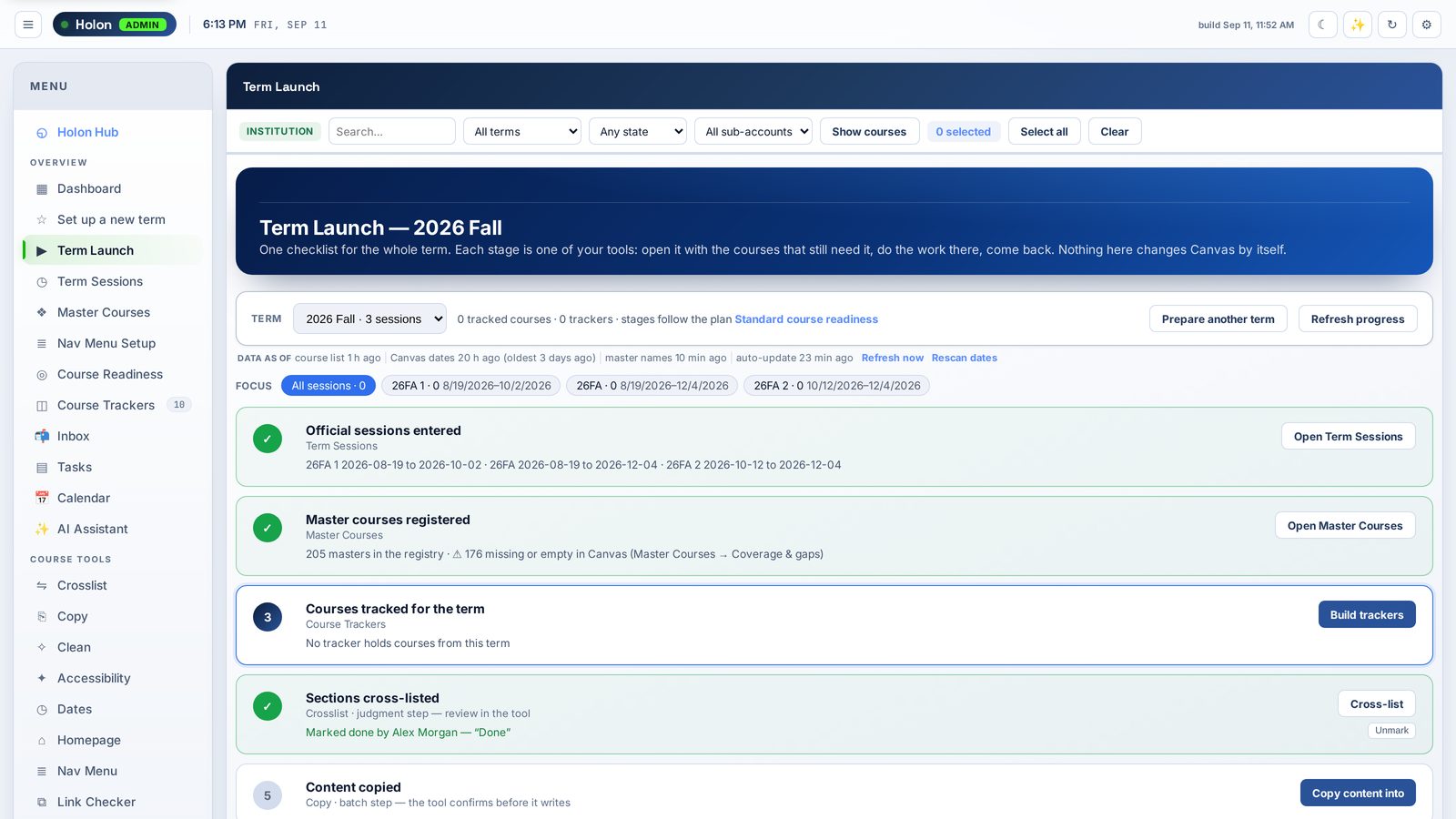
Term Launch showing each stage of term preparation with the courses still pending
All term long

Term Launch — every stage, with the courses still waiting

Copy, dates, home pages, navigation, checks, instructor outreach, publishing, monitoring — in the order your readiness plan defines. Each stage opens the right tool with exactly the pending courses loaded.

The tools inside

Account-wide and uncapped. Select courses by term, program, session or tracker — then act on all of them at once.

Course trackers

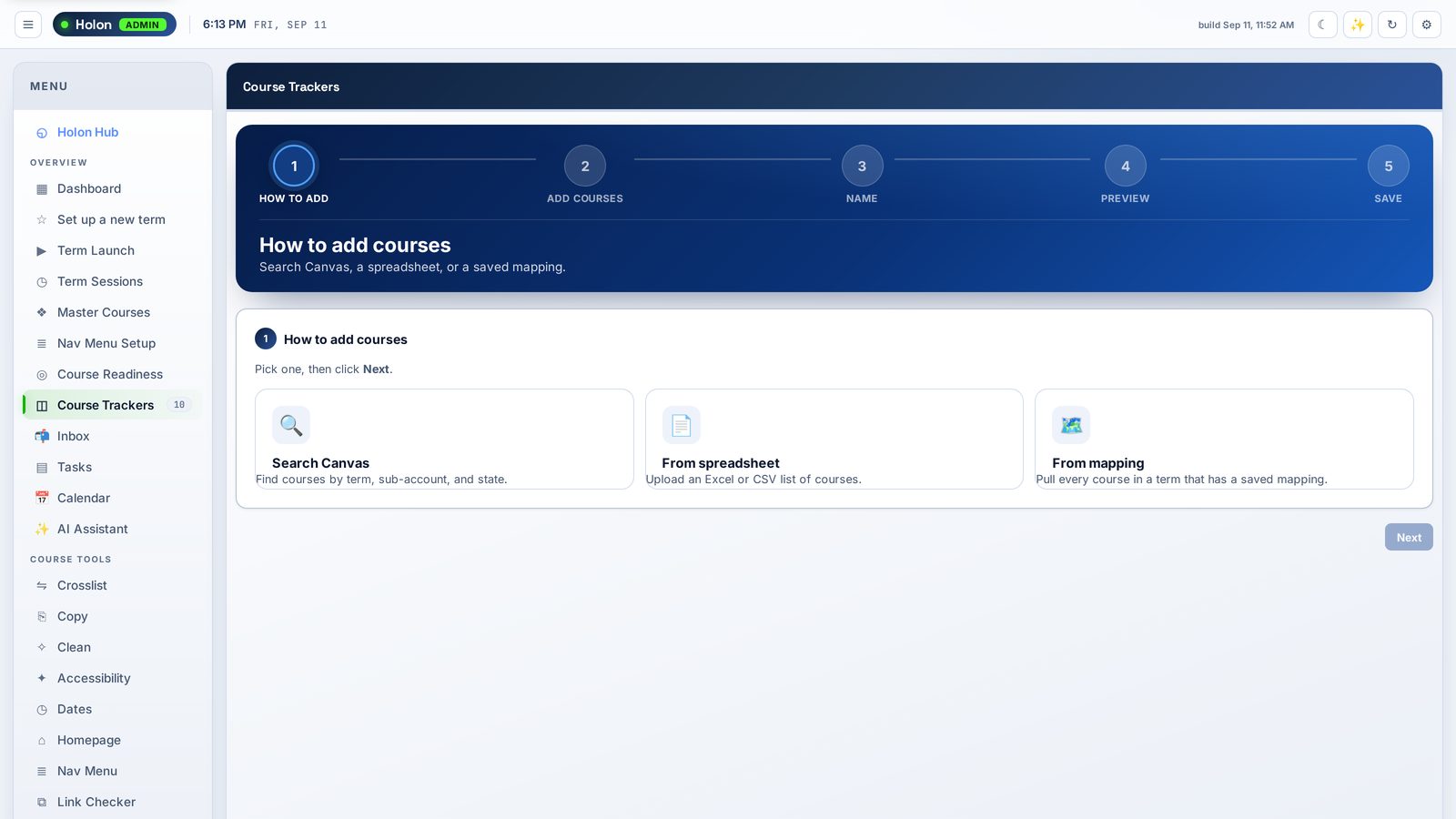
Course Trackers

One board per program and session, shared by your admin team. Every step, every course, who did it. Work done outside Holon can be marked skipped, and still counts as done.

Bulk course copy

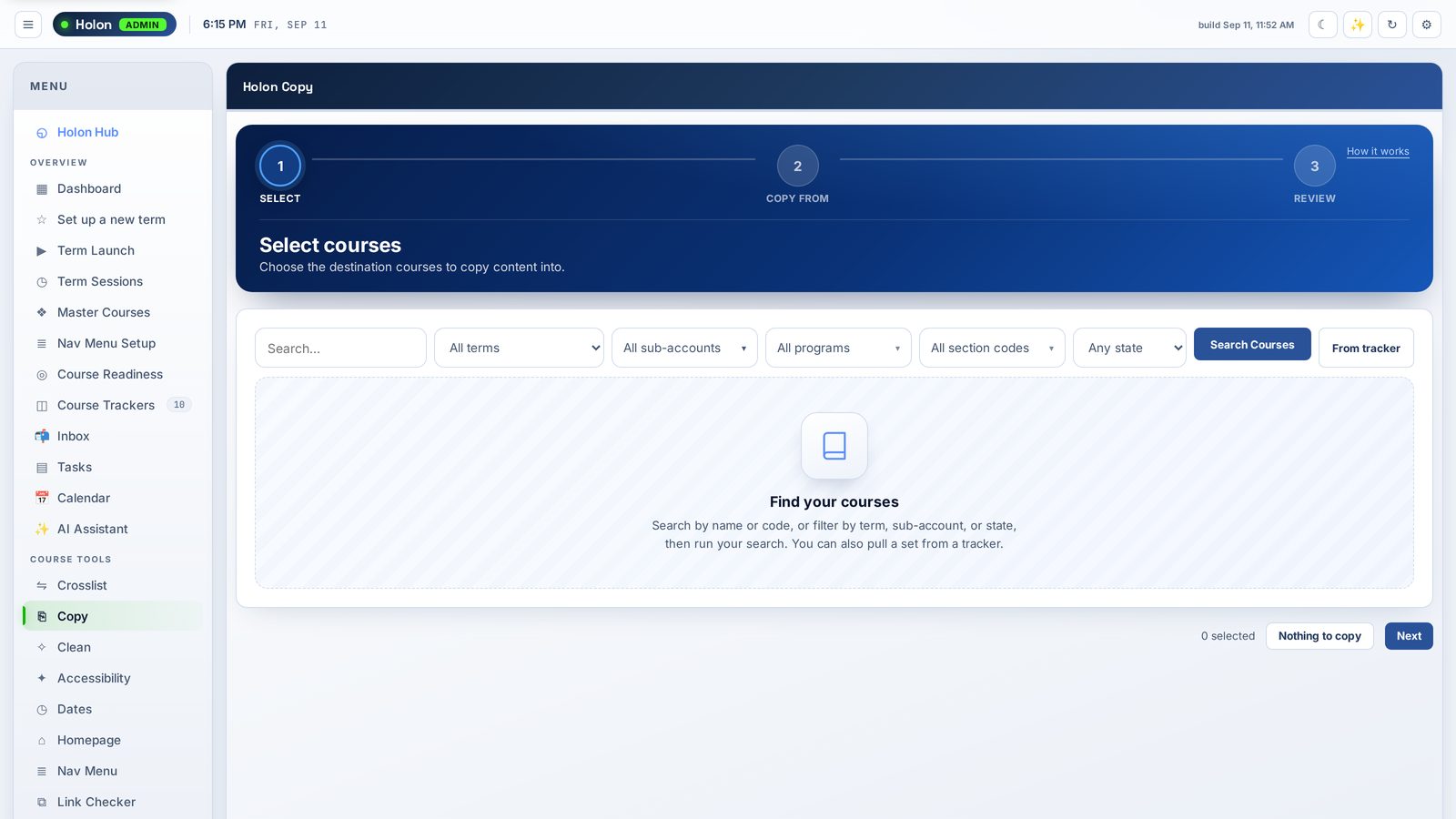
Copy that knows your sessions

Picks the right-length master from the session dates and warns before it duplicates content an instructor already imported. Canvas migration warnings are surfaced, not buried.

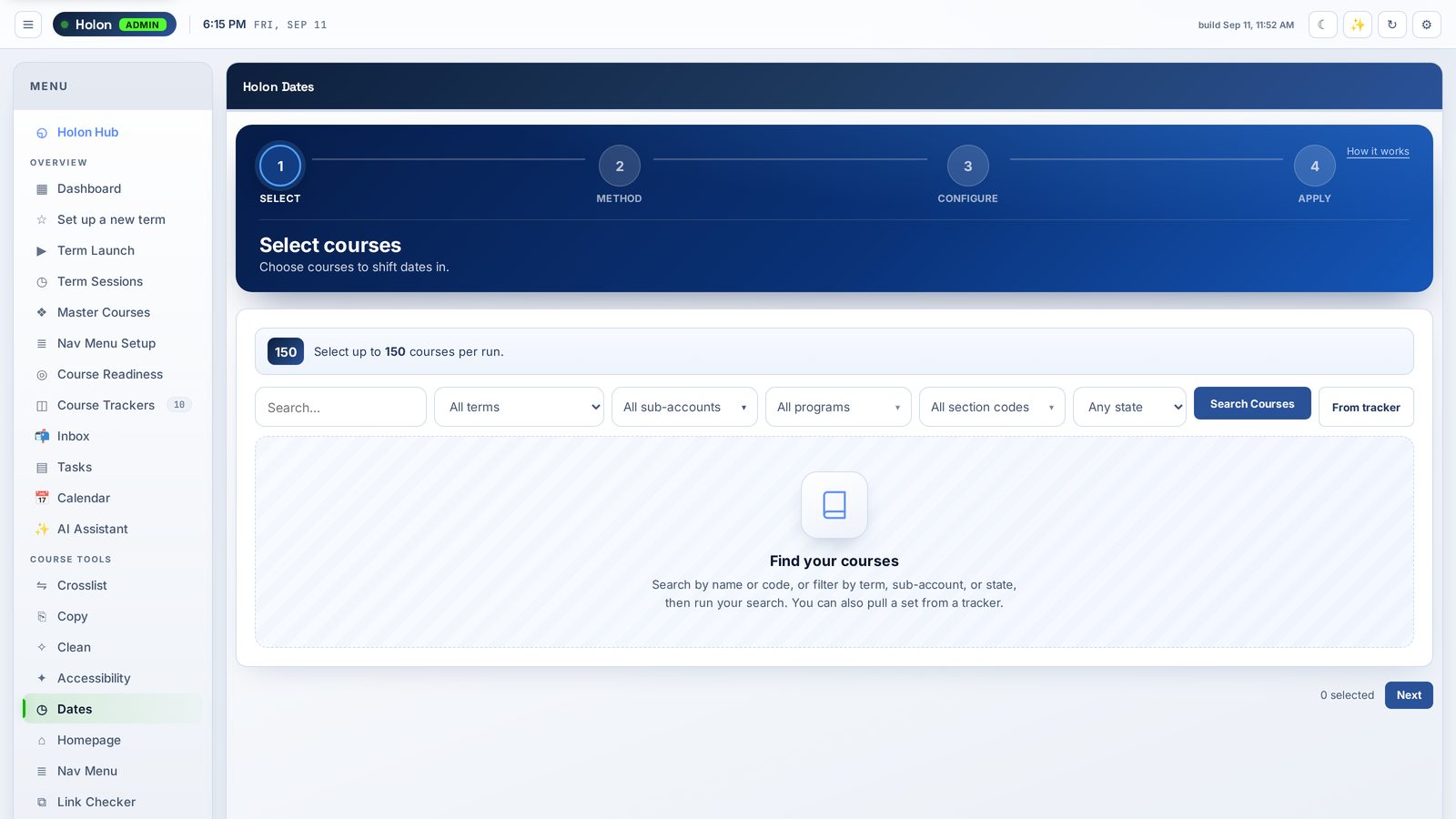
Bulk date changes

Dates in one move

Shift or set due, unlock and module dates across many courses. Every run is recorded, and you can reverse it if you got it wrong.

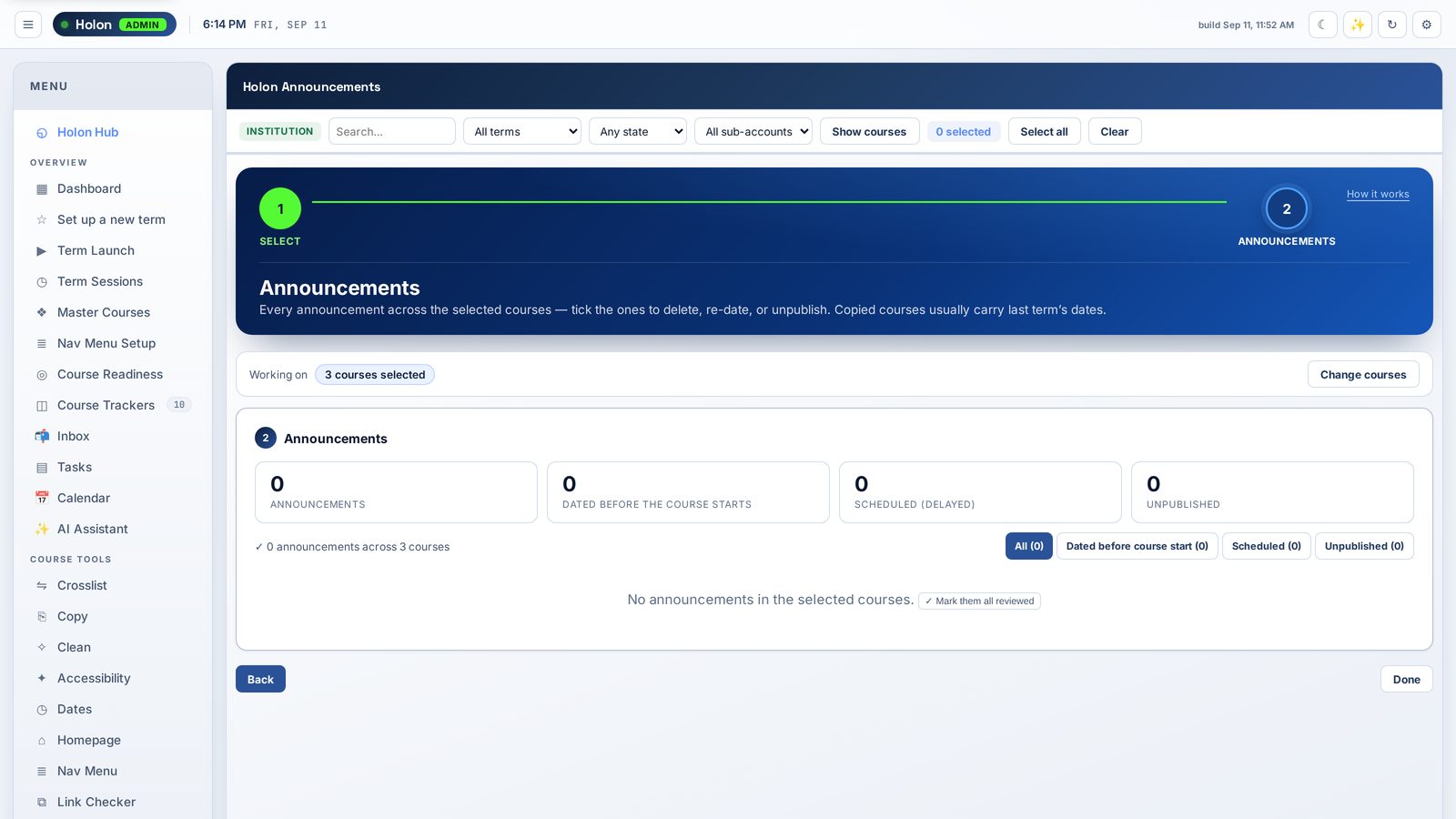
Bulk announcements

Announcements in bulk

Last term's announcements ride along with every copy. Delete, re-date or unpublish them across a whole program in one pass.

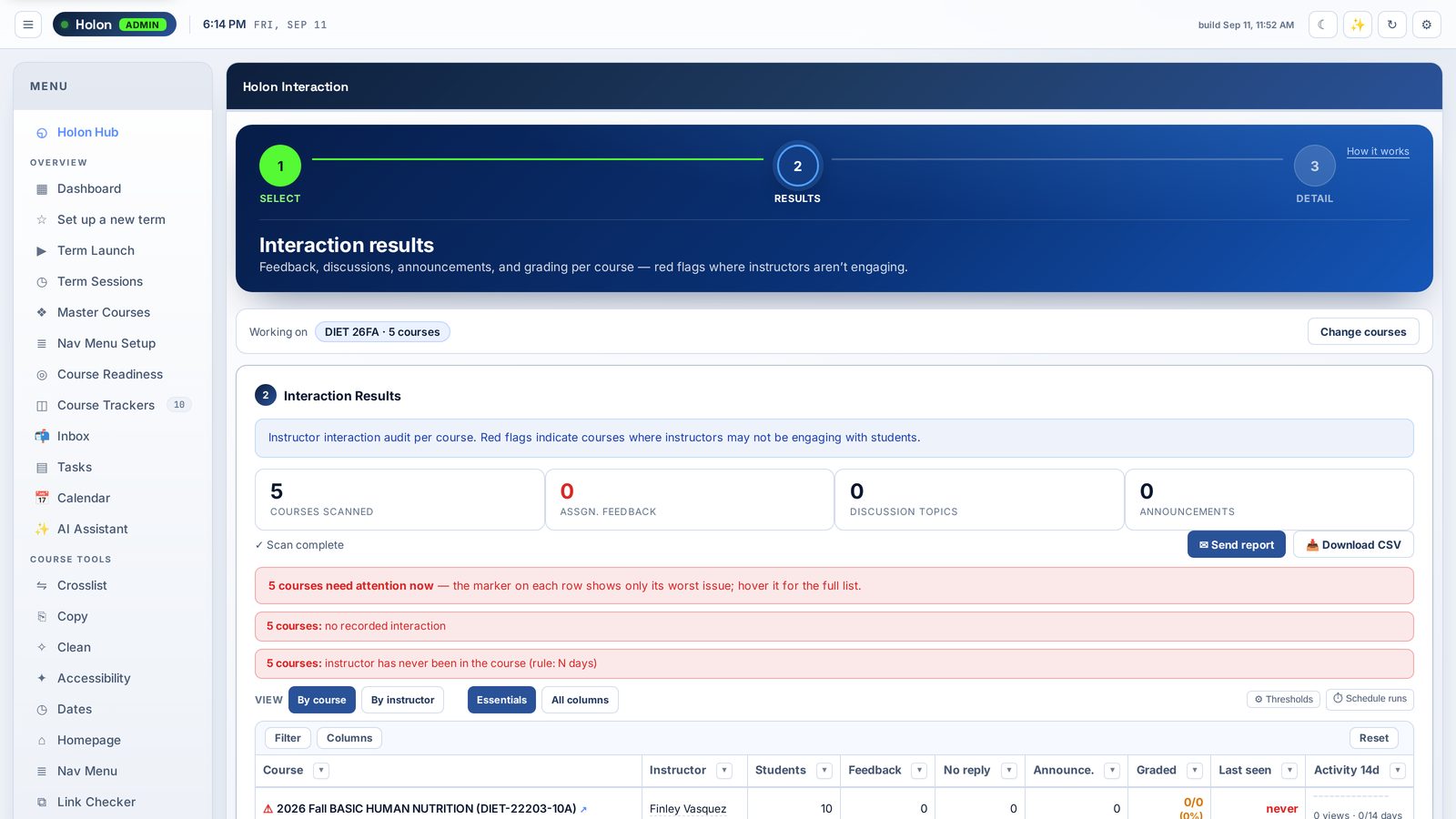
Instructor interaction report

Instructor Interaction

Grading, feedback, discussion replies and presence per course, for the instructor of record, worst issue first. Send the report to instructors or a dean.

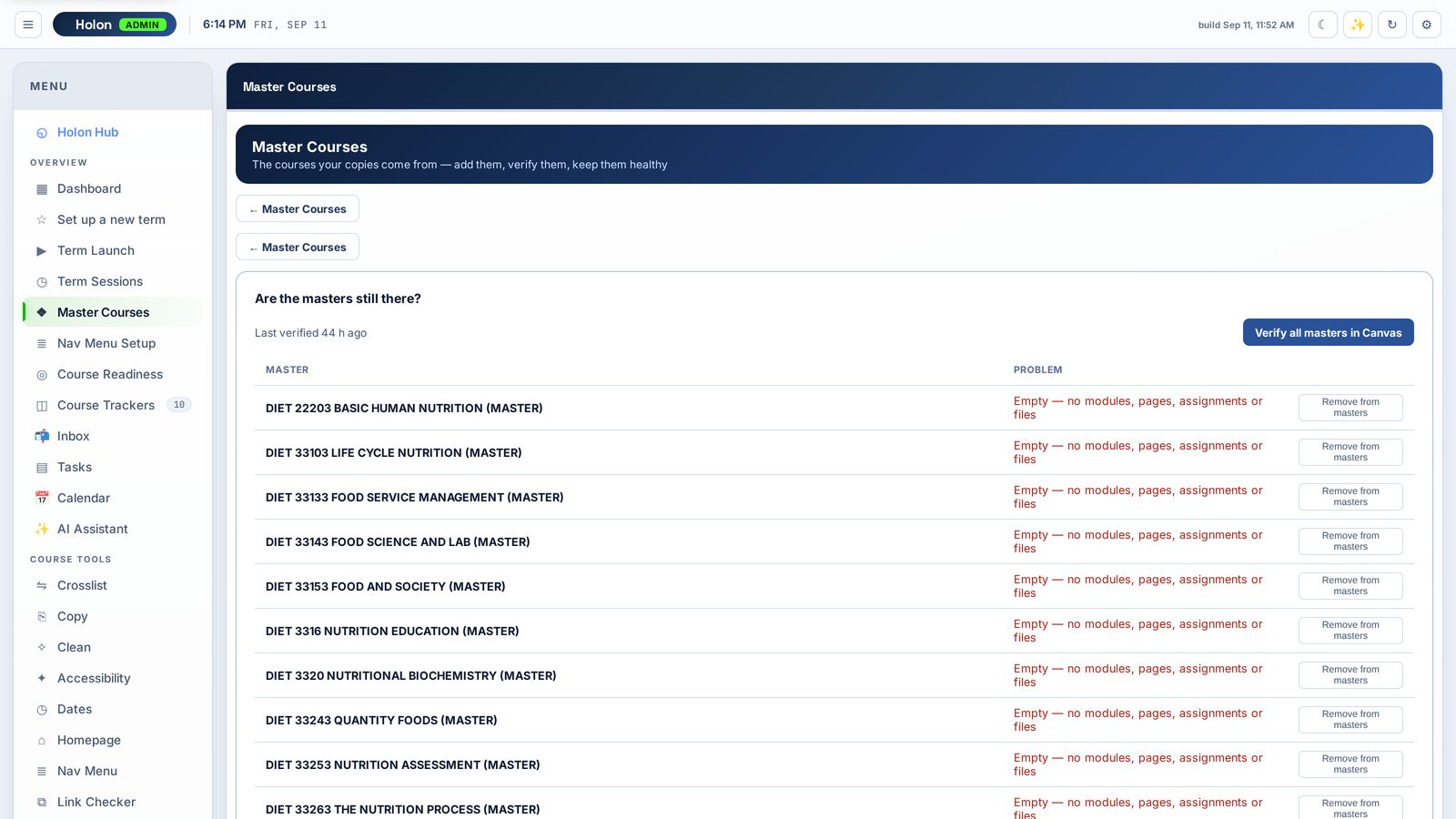
Master course coverage and gaps

Masters you can trust

Which live courses have no master, whether every master still exists in Canvas, and what the copy history shows.

Also inside: Publish scheduling · Navigation menus · Home pages · Link checker · Accessibility review · At-Risk · Last Day of Attendance · Grade Export · Incompletes · Inbox · Tasks · Calendar

Safe to run at scale

Bulk tools are only useful if you can trust them with a whole term.

Every run recorded, most reversible

Canvas keeps no history of bulk changes, so Holon keeps its own. Date, navigation, publish and home-page runs can be reversed; items someone changed since are skipped, never overwritten.

Runs as you, on your permissions

Holon Admin works through each admin's own Canvas access. It can't reach anything your Canvas role can't. Scheduled work runs on the token of the admin who scheduled it.

AI that asks first

Ask Holon is optional and runs on your own AI key. It reads your real data to answer questions, and anything that changes Canvas waits on an approval card that lists every course first.

Delegates, scoped

Bring in a program coordinator or instructional designer, limited to the sub-accounts and trackers you choose.

One install

Everything launches from the Holon Hub — installed once in Canvas, LTI 1.3 or LTI 1.1. No per-tool installs for your Canvas team to manage.

Procurement-ready

HECVAT and privacy documentation available on request. Pay by card online, or ask for an invoice or PO.

One price for your whole admin team

Priced by institution size, not by seat. Find your band by IPEDS full-time-equivalent enrollment.

Under 2,500
FTE students
$2,900 /yr
Whole admin team
Buy
2,500 – 4,999
FTE students
$4,900 /yr
Whole admin team
Buy
5,000 – 14,999
FTE students
$7,900 /yr
Whole admin team
Buy
15,000 – 29,999
FTE students
$9,900 /yr
Whole admin team
Buy
30,000 and up
FTE students
$14,900 /yr
Whole admin team
Buy
Every Canvas account admin at your institution
Delegates scoped to sub-accounts, at no extra cost
Every tool in the console, uncapped and account-wide
Product updates included
One licence per Canvas instance, annual
Holon Hub included

Need an invoice, a PO, or a multi-year agreement? Email us.

Setup is self-service, with a walkthrough video at every step. Stuck? Submit a ticket from your portal.

Questions


How does the trial work?

Create an account and install the Holon Hub in Canvas. The 15 days begin when you start Holon Admin from inside the Hub, not when you sign up — so waiting on a Canvas install doesn't cost you trial time. No card required. Anything you set up during the trial is still there when you buy.

Who can use it?

Canvas account admins only. It is not an instructor tool and doesn't appear for instructors or students. Delegates you invite see only the sub-accounts and trackers you give them.

How is enrollment counted?

By your institution's IPEDS full-time-equivalent enrollment — a public figure. Pick the band that matches your most recent IPEDS number.

Do we need the AI?

No. Everything works without it. If you want Ask Holon and guided Setup, add your own AI key in the Hub; usage is billed to you by your AI provider, not by Holon.

See it on your own Canvas.

Fifteen days, your real courses, no card.

Start 15-day free trial