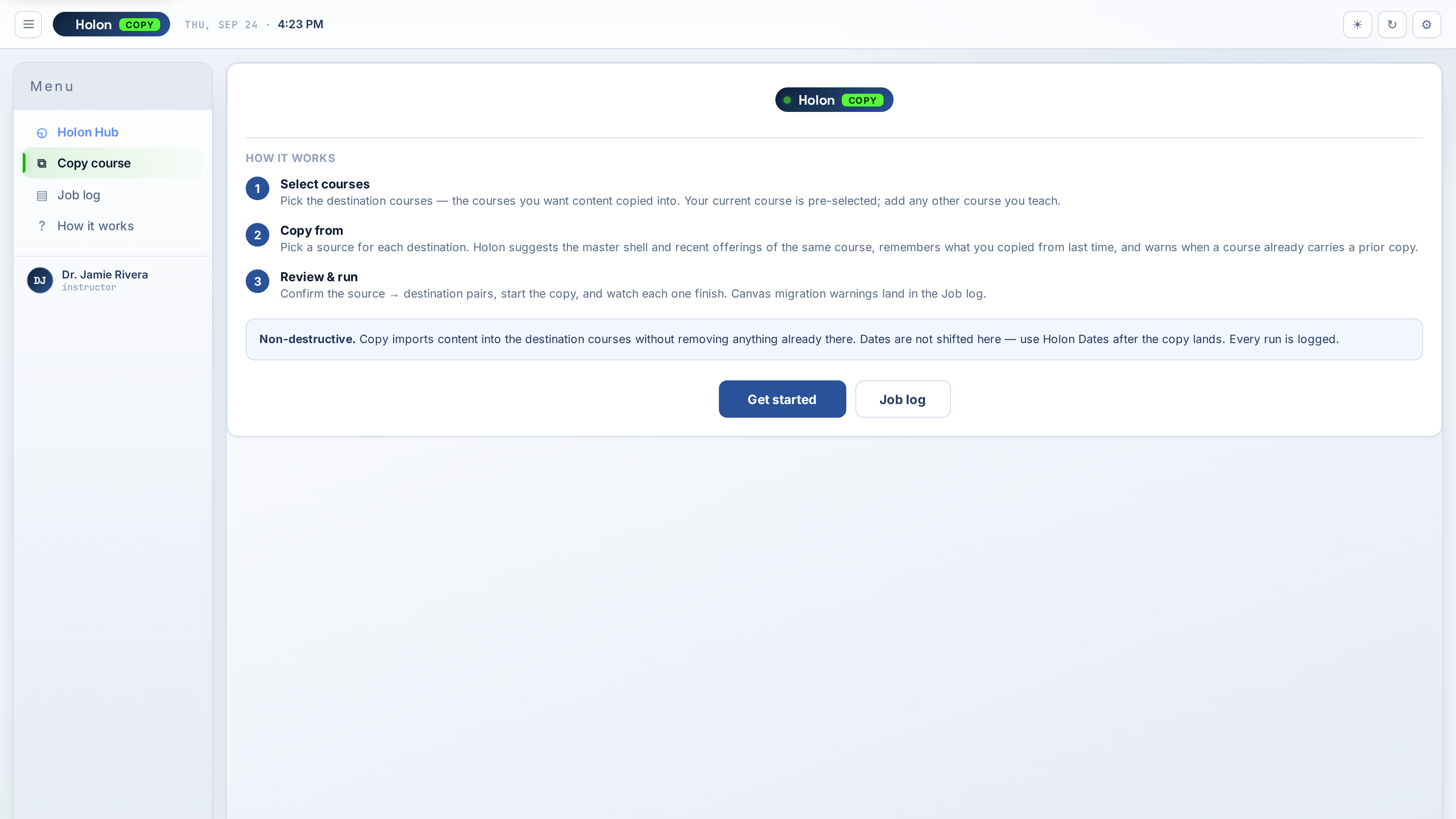
Every feature listed here is available today.
📋
Full Course Copy
Copy an entire Canvas course — modules, assignments, quizzes, discussions, pages, and files — to a new course, no manual re-adding.
🎯
Selective Import
Choose exactly what to copy. Select specific modules, assignments, pages, or files. Leave behind what you don't need.
📅
Automatic Date Shifting
Enter the new course start date and Holon Copy shifts every due date, available date, and lock date proportionally. No manual adjustments.
👁️
Preview Before Copy
See exactly what will be copied before committing. Review the full list of content with dates side-by-side.
📁
File Handling
Course files and attachments copied correctly — no broken links in the destination course.
🔄
Cross-Course
Copy from any course you have access to into any course you own. Not limited to your own courses.
📊
Copy Log
Full log of everything copied — what succeeded, what was skipped, and why.
⏳
Tracked to Completion
Canvas processes every copy in its own import queue — large courses take longer, small ones are quicker. Holon Copy submits the job, polls it for you, and tells you the moment it's done. No refreshing Canvas to check.