HolonTechnology ← All Tools
Try Free →
Content · Canvas LTI

Create and annotate. Right in Canvas.

Holon Creator gives instructors a 4-color annotation system for Canvas pages and PDFs, with inline comment threads, student submission, and direct grade passback.
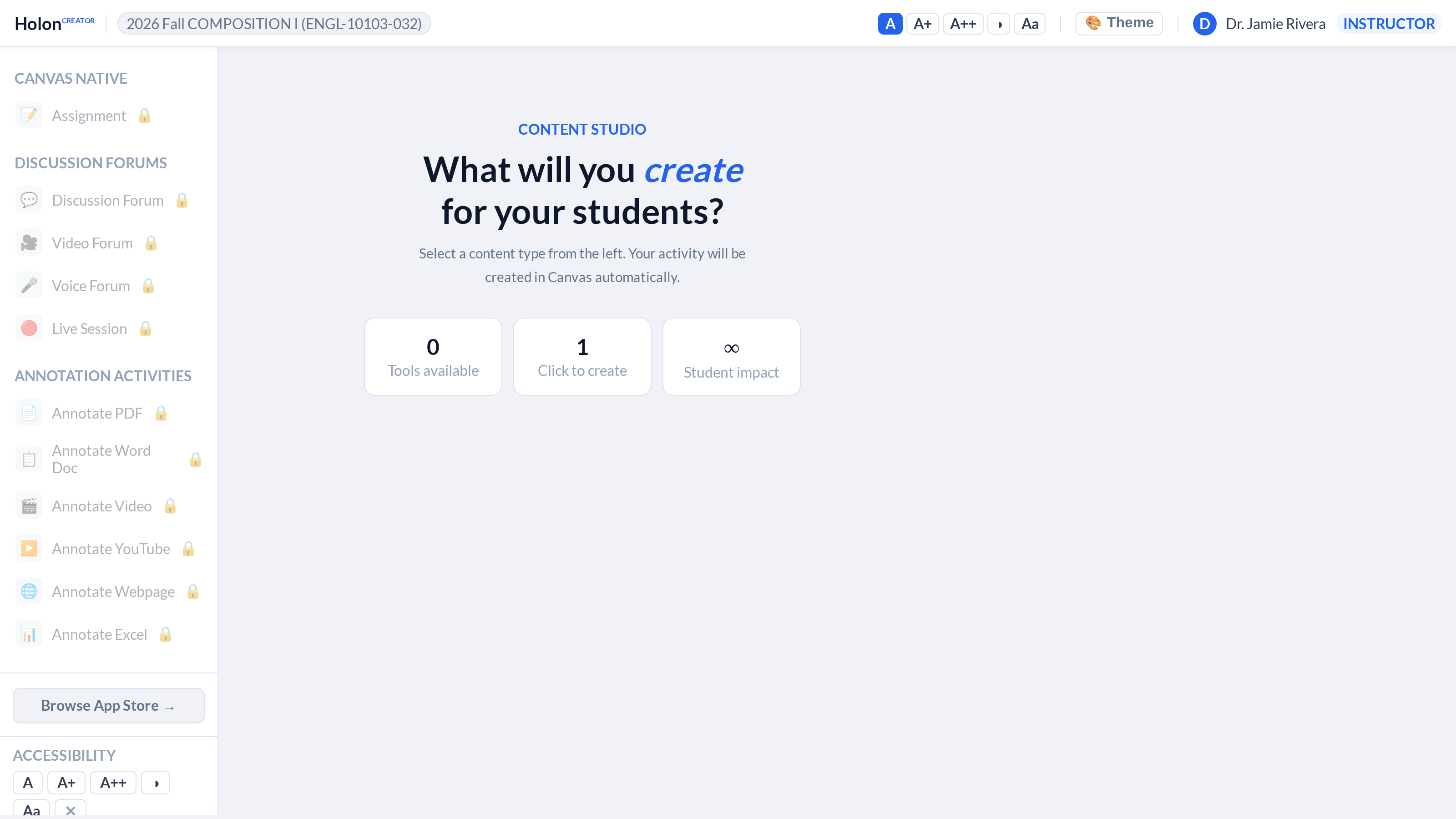
Holon Creator screenshot
📦
Per-install license
Each license covers one Canvas install and up to 10 courses. This is a per-instructor license — not a campus-wide contract. Need more courses or institution-wide coverage? Contact us for volume pricing. Installs in under 2 minutes via LTI 1.1 XML.

What Holon Creator does

Every feature listed here is available today.

🎨
4-Color Annotation
Four color categories (yellow, red, blue, green) for different annotation types — key concept, question, critique, example.
💬
Inline Comments
Add threaded comments at any point in a document. Students and instructors see the same annotation layer.
📝
Student Submission
Students submit annotated documents directly from Creator. Submissions link to the Canvas assignment.
🎯
Grade Passback
Instructor grades submitted annotations and scores post to the Canvas gradebook.
♿
ADA Compliance
Color coding paired with symbols — accessible to colorblind users. WCAG-compliant contrast on all annotation colors.
🖼️
Image Annotation
Annotate images and diagrams with the same 4-color system. Point, click, comment.
📚
Shared Annotation
Instructor annotations visible to the whole class. Use Creator for guided reading assignments.
🔄
Version History
Track annotation changes over time. See how a student's reading evolved from draft to final submission.

Ready to try it?

5-day free trial. No credit card required. Installs in Canvas in under 2 minutes via LTI.

Start free trial