HolonTechnology ← All Tools
Try Free →
Content · Canvas LTI

Canvas Modules as they should work.

Holon Modules replaces Canvas's native module management with drag-and-drop editing, bulk operations, an AI course advisor, visual student progress tracking, and a requirements builder.
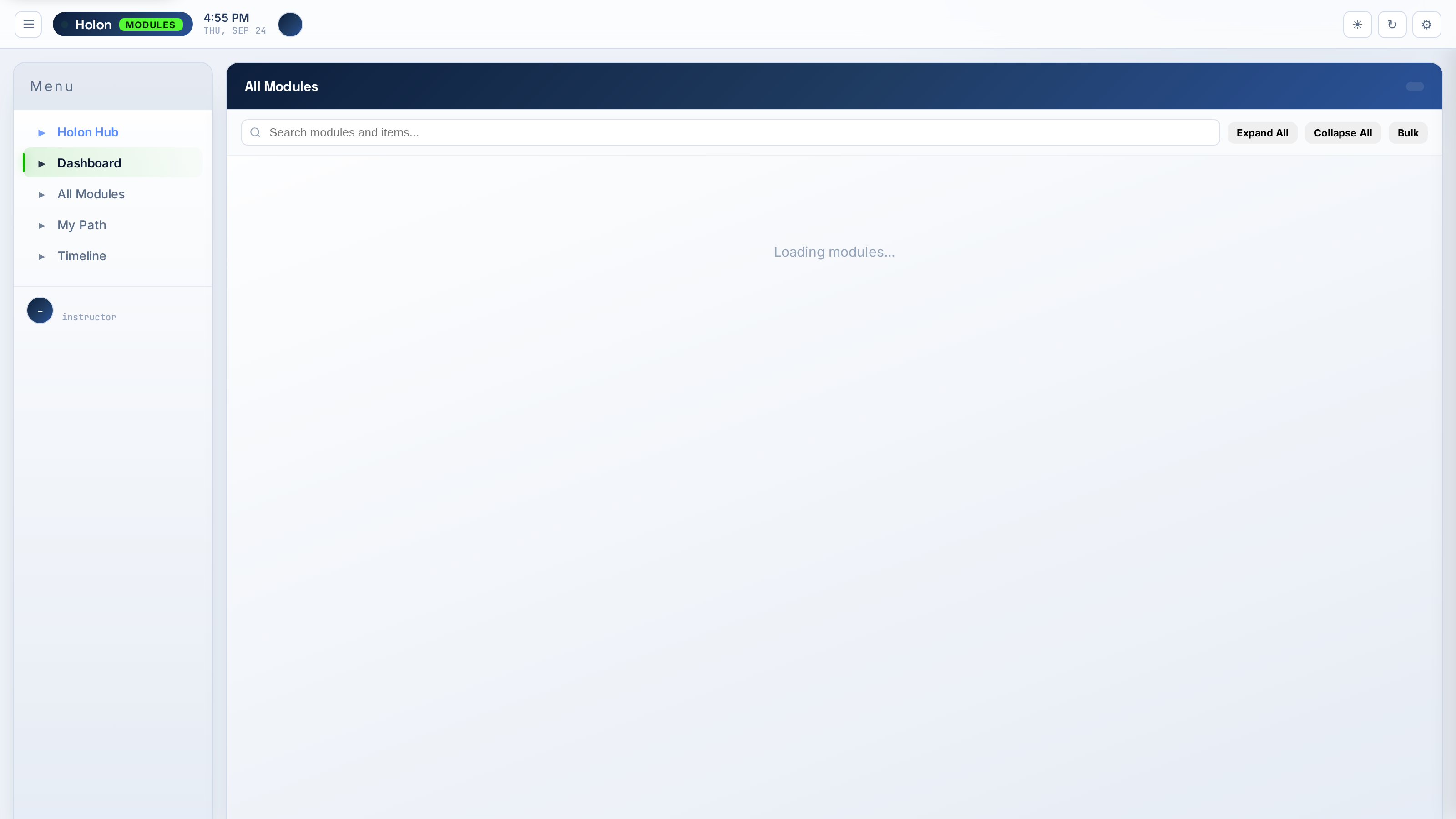
Holon Modules screenshot
📦
Per-install license
Each license covers one Canvas install and up to 10 courses. This is a per-instructor license — not a campus-wide contract. Need more courses or institution-wide coverage? Contact us for volume pricing. Installs in under 2 minutes via LTI 1.1 XML.

What Holon Modules does

Every feature listed here is available today.

🖱️
Drag-and-Drop
Reorder items and modules by dragging. Bulk move content between modules. What Canvas makes tedious becomes instant.
✏️
Inline Editing
Edit module and item names, unlock dates, and requirements without navigating away. Click, type, done.
📋
Bulk Operations
Select multiple items or modules and publish, unpublish, move, or delete them all at once.
🛣️
Requirements Builder
Set completion requirements visually — must view, must score above X, must submit — with clear prerequisite chains.
📊
Student Progress Grid
See every student's completion status across all modules in a grid. Spot who is behind at a glance.
🤖
AI Module Advisor
Claude analyzes your course structure and suggests improvements to pacing, sequencing, and coverage gaps.
📅
Unlock Scheduling
Set module unlock dates with a visual calendar. Staged release across the semester managed in one view.
🔗
Deep Links
Generate deep links to any module item that bypass the Canvas nav and land students exactly where they need to be.

Ready to try it?

5-day free trial. No credit card required. Installs in Canvas in under 2 minutes via LTI.

Start free trial